


STEP-BY-STEP GUIDE ON HOW TO REGISTER FOR YOUR Curling Ontario Member ID
1. Go to this page to complete your personal registration on Curling Reg: REGISTER NOW
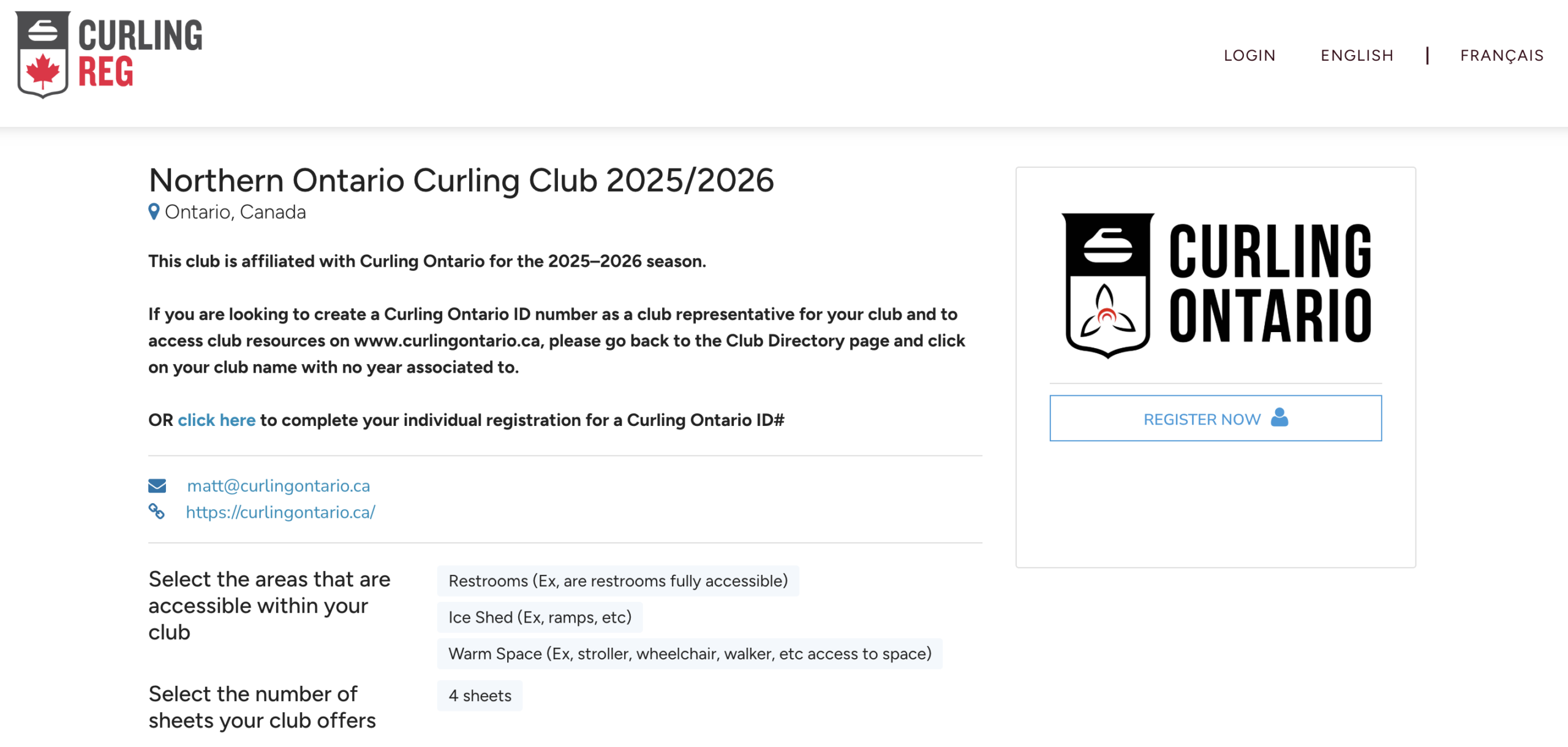
2. Click the “Create an Account” button.
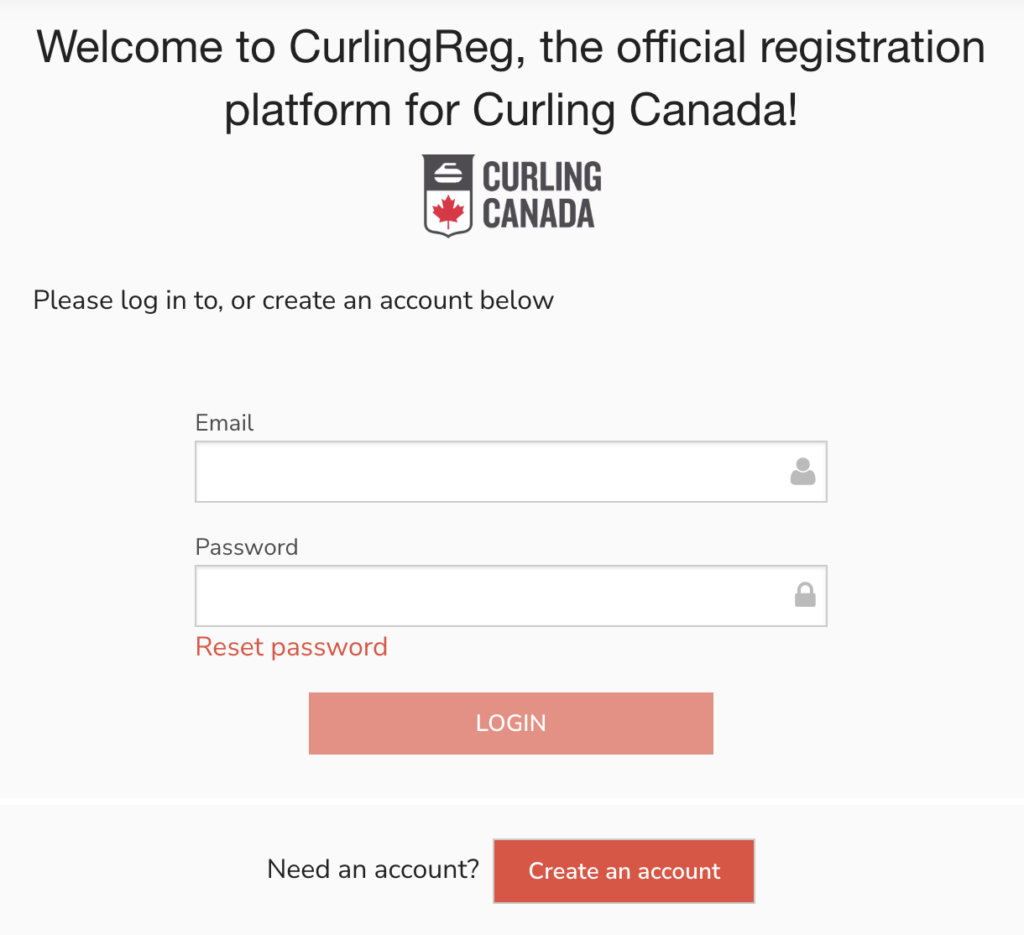
3. Fill out your first name, email and password. Check off and accept the privacy policy. Check “I am not a robot” and click “sign up”.
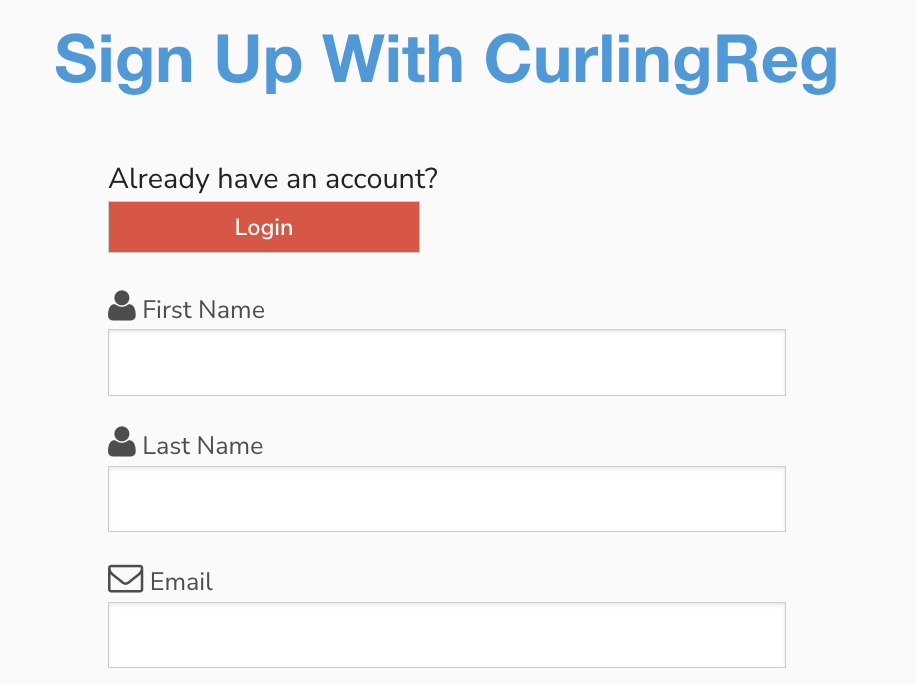
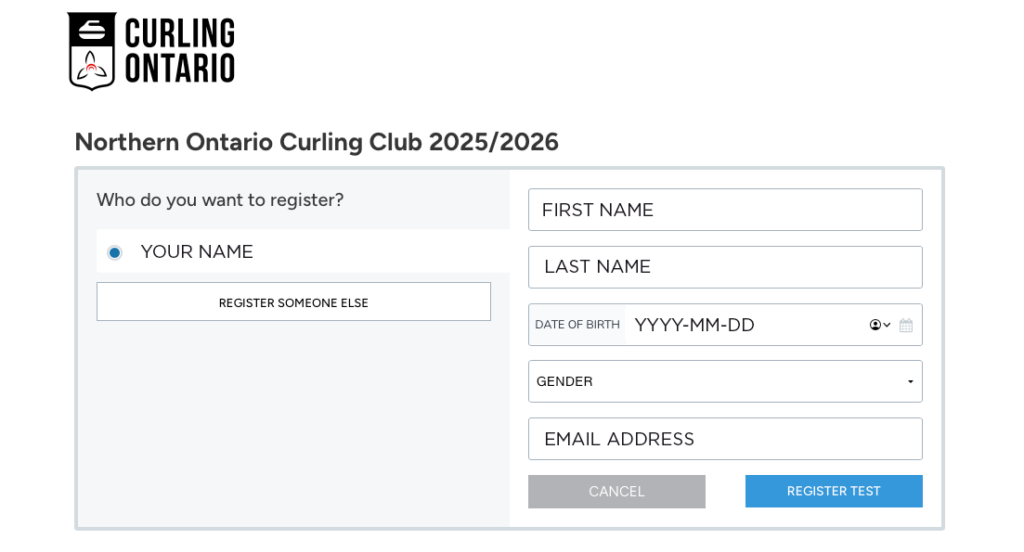
4. In this next step, you will be asked “Who do you want to register”. Make sure your name is selected then on the right enter your first names, last name, birthdate, gender and email address. Click “REGISTER”.
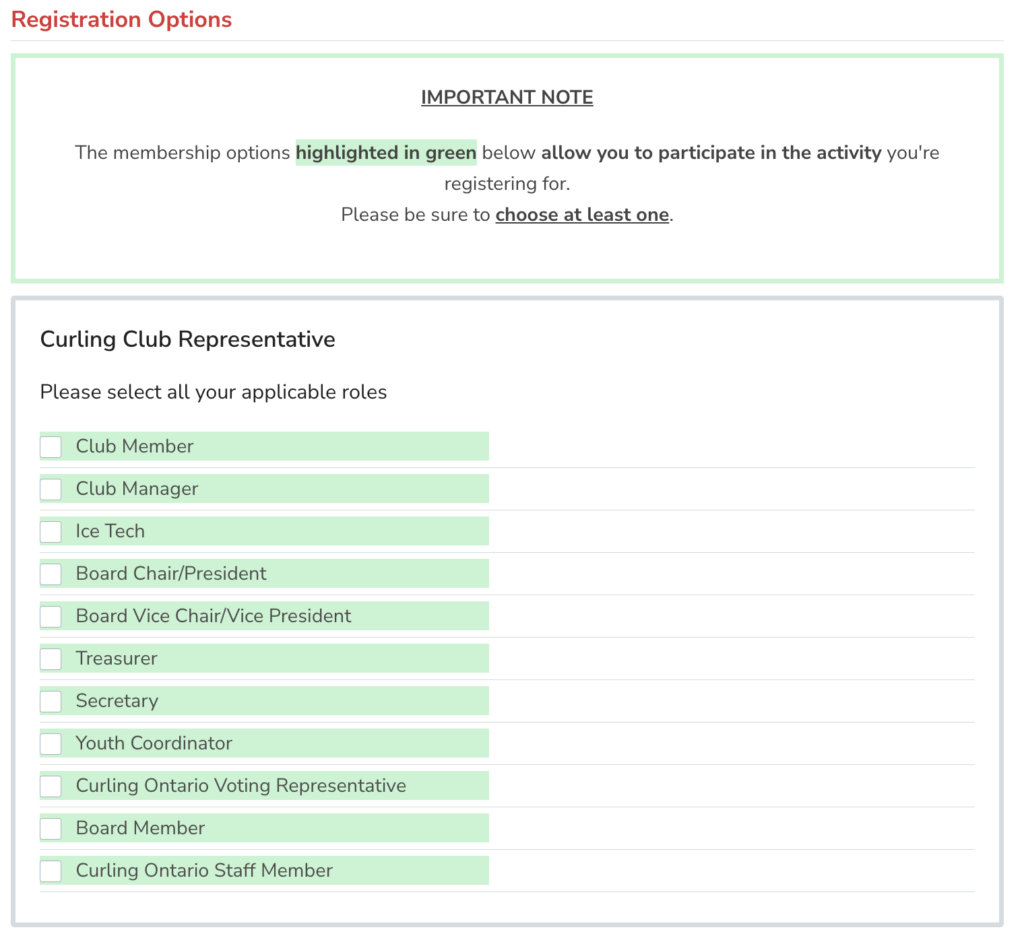
5. A screen will pop up looking like the image to the right. Select all list items highlighted in green that apply to you and your role at your organization.
For example, if you are just a member, select member. But if you are a member but also a board chair, select both options.
Once you are done, click “NEXT”.
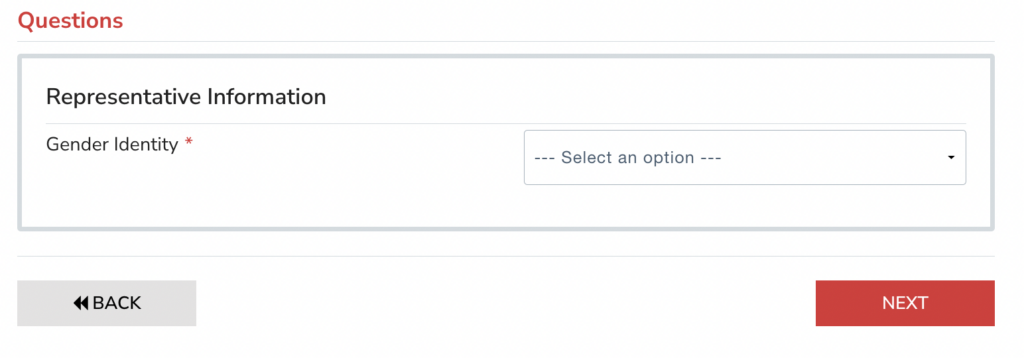
6. You will be asked one question about gender. Select your option and click “NEXT”.
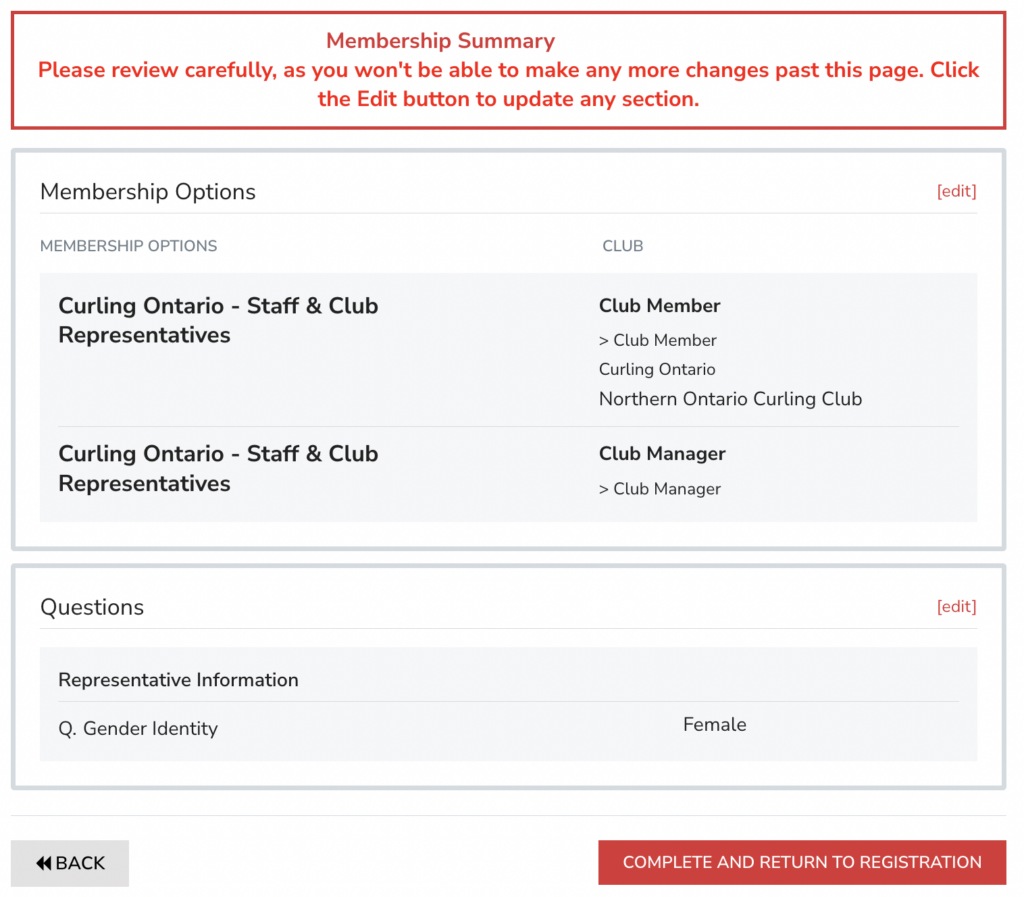
7. You will taken to a Member Summary page. Confirm your membership options are correct. Click “Complete and Return to Registration” button. The pop-up will then save and close.
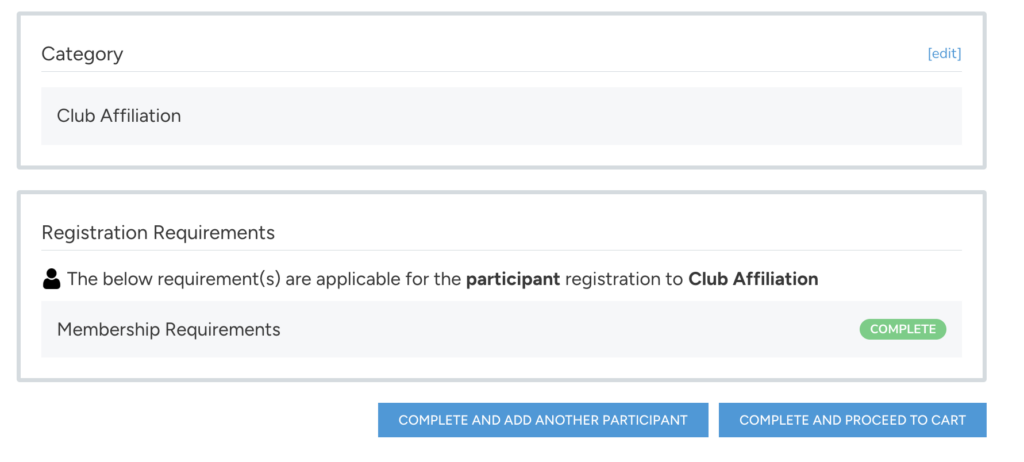
8. Now you need to click “Complete and Proceed to the Cart”.
*Note: You will not be charged or asked to input any payment.
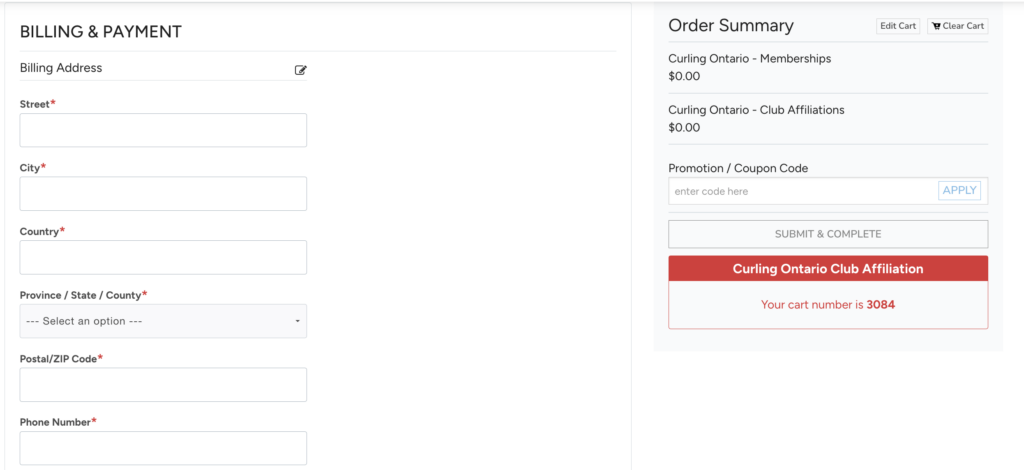
9. You will be taken to the cart summary. Scroll down to fill out “billing & payment details”. Please note: A name and address is required here but no payment details will be taken.
Below the address you must click the button “use this address” to complete it.
On the right hand side of the screen, Click “Submit & Complete” to finish. (this is located under the promo code and above the red “Curling Ontario Affiliation box).
Congratulations, you have registered!
WHAT NEXT?
- Please give Curling Ontario 24 hours to approve your registration.
- You will receive a welcome email from Erin Jarvis, Senior Manager – Club Development, erin@curlingontario.ca.
- Below explains how to find your Curling Ontario Member ID can be found once your registration is approved.
Finding your Curling Ontario Member ID
- Click on your name at the top right hand side of the screen
- Click “Memberships & Certifications” in the dropdown menu
- Scroll down on this page, and look for a black box – it will show your Curling Ontario Member ID Number